How to Trade in NFL Universe Football — RAP Guide
How to trade in NFL Universe Football step by step, what RAP means and how to read trade offers — without pretending to be a real-time value list.
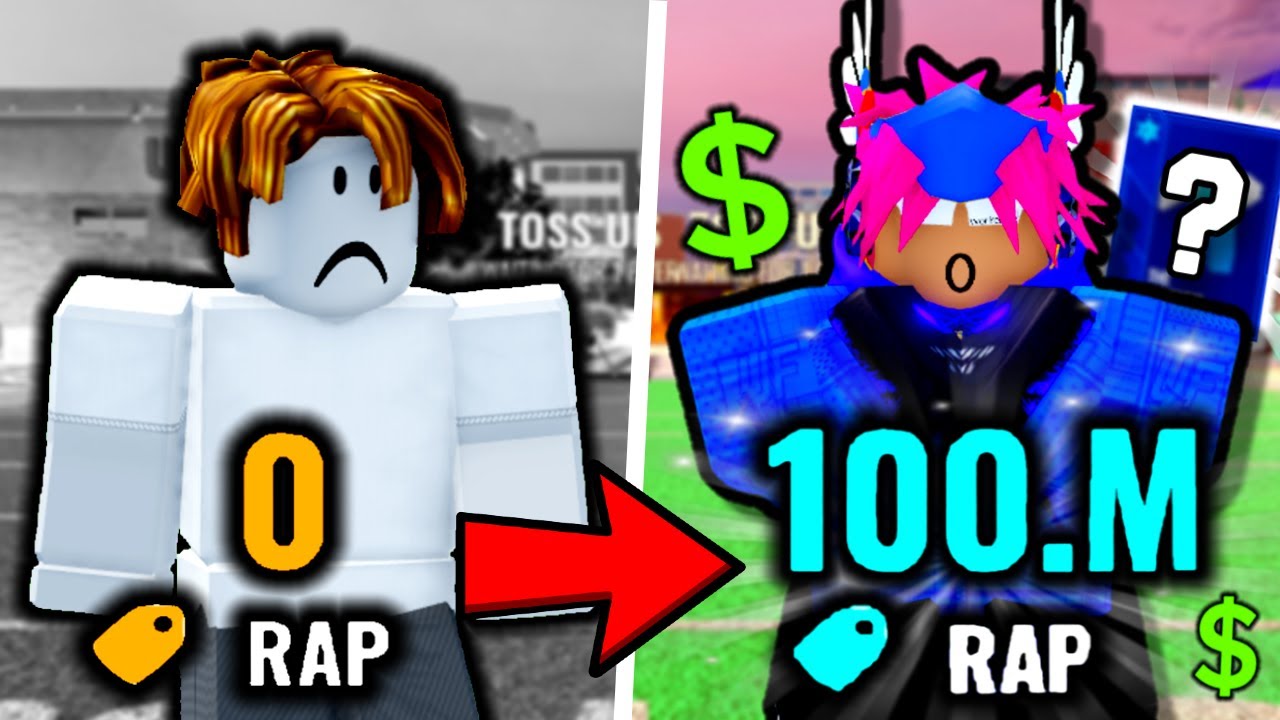
NFL Universe Football trading RAP has enough material for an explainer, not a live value database. The collected long video includes many trades, RAP/value language, overpay examples, coins and inventory discussion. This page teaches the decision framework while refusing to publish stale item prices. Seen in footage · 2026-09-16
Quick answer
RAP is a trading reference number, not a guaranteed live item price. Creator footage shows RAP, value, overpay and inventory discussion, but trading examples age quickly. Before accepting a trade, separate the visible RAP number, demand, overpay, your own goal, and whether you can verify the item in current play.
What to do first
- Learn the terms: RAP, value, overpay, demand and inventory.
- Treat creator trades as examples, not current prices.
- If the trade involves pack rewards, read Packs first.
- If the trade is tied to progression, read OVR.
- Decline or wait if you cannot verify the item, reward or value context.
What RAP means here
RAP and value language appears in trading footage, but examples age quickly. This page explains vocabulary and risk, while item values remain "(to be verified)" unless multiple current sources agree.
How to read trade examples
- Treat creator trades as examples, not current prices.
- Separate RAP, perceived demand, overpay, and easy-to-trade items.
- Do not assume one old trade proves today's market.
- Use Packs, OVR, and Beginner Guide for related systems.
How to trade in NFL Universe Football
The beginner footage shows the trade prompt flow: sending, receiving, viewing and declining trades. Community comments point to the trade hub as the in-game spot where players meet to trade. Seen in footage · 2026-09-23
- Go to the trade hub where players gather to trade (community-reported location).
- Send a trade request to another player, or open a request you received.
- Review both sides on screen: what you give, what you get, and the RAP number explained above.
- Decline anything you cannot verify — the prompt flow includes a decline option.
- Confirm only after both sides match what you agreed.
UI labels and the exact hub layout still need current in-game verification.
Mistakes and caveats
- Do not call this page a value list.
- Do not copy a trade from a 56-minute video as today's price.
- Do not assume high RAP means easy resale.
- Do not accept trades while learning the UI if you do not understand what is being sent and received.
- Do not use comments or trade begging as value proof.
Verification notes
Verified: the page has enough source depth for a trading/RAP explainer.
Creator-tested: RAP/value/overpay language, coin mentions, inventory discussion and trade UI basics appear in mined videos.
Needs in-game check: current item prices, current UI labels, live demand, stable value tiers and any database-style valuation.
Related next step
Read Packs if a trade involves rewards or pack items. Read OVR if the trade is being justified as progression. Read Codes if someone claims a reward comes from a code, because code status must be verified separately.
FAQ
How do you trade with other players?
Send a trade request in the trade hub, review both sides on the prompt screen, then confirm or decline. The send, receive, view and decline prompts appear in beginner footage; exact UI labels need in-game verification.
Is this a value list?
No. It is a trading and RAP explainer.
Can I use the examples as prices?
No. Use them to understand trading concepts, not as live prices.
Why not build a value database now?
The collected sources do not provide stable, current, multi-source item values.