NFL Universe Football Controls — Actions, Devices & Caveats
NFL Universe Football controls guide with player-reported controller mapping, QB settings notes, truck inputs and per-role checklists for PC and controller.
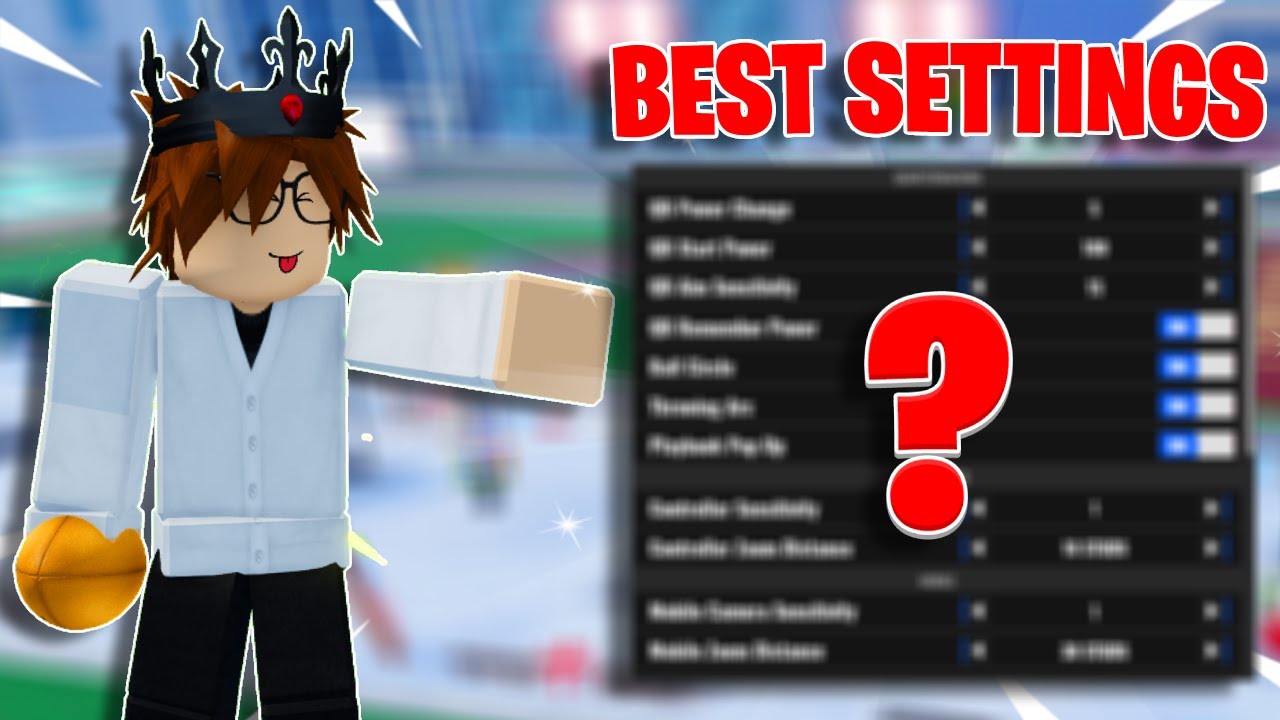
NFL Universe Football controls run on the standard Roblox input layer plus on-screen action prompts, and the exact mapping can shift by device and update. This page gives you the player-reported controller table first, then the per-role checklist so you can verify every prompt in your own game. Seen in footage · 2026-09-22
Quick answer
NFL Universe Football plays on the standard Roblox control layer with on-screen prompts for each football action. The player-reported PlayStation-style controller mapping: Cross to jump, Circle to dive, R2 to catch, R1 for hit stick or stiff arm, L1 for spin move, L2 for blocking, R3 to zoom the camera, L3 for shift lock, and D-pad up to boost QB throw power. Every input above is community-reported, not official — confirm each prompt in your own match, because device and update differences are real.
Player-reported controller controls
| Action | Player-reported input | Status |
|---|---|---|
| Jump | Cross (X) | community-reported |
| Dive | Circle | community-reported |
| Catch | R2 | community-reported |
| Hit stick / stiff arm | R1 | community-reported |
| Spin move | L1 | community-reported |
| Blocking | L2 | community-reported |
| Zoom camera in | R3 | community-reported |
| Shift lock | L3 | community-reported |
| QB throw power boost | D-pad up | community-reported |
| Position lock (claim a position) | Y | community-reported, Xbox context |
These come from one active comment thread under an Xbox controller guide video, so treat the table as a starting grid, not a verified keybind list. No keyboard-specific inputs have survived verification yet — PC players should read the on-screen prompts in their first match and note the differences.
QB settings for controller players
QB settings live in the Settings menu under the QB category. There is no verified best qb settings preset — controller comfort is personal — but two community-reported starting points help: use D-pad up to raise throw power if your passes feel short, and check the camera and shift-lock options that affect your aim before a real match. After that, run the timing drills in the Quarterback guide.
What to do first
- Start in Settings and confirm camera, graphics, QB and controller categories.
- Run basic movement and camera tests before a real match.
- If you play QB, test aim, power and camera stability with Quarterback.
- If you play WR, test catch timing, dive input and boundary catches with Wide Receiver.
- Record any exact keybind only after a current in-game check.
Control areas to check
| Area | Where it matters | Status |
|---|---|---|
| QB aim and power | Passing, quarterback play | creator-tested, verify in game |
| Catching / dive timing | Wide receiver and defense | gameplay-video supported |
| Controller shift / catch notes | Controller users | creator-tested, verify in game |
| Ball camera | QB, receiver, kicker contexts | creator-tested |
| Playbook popup | Gameplay settings | creator-tested |
| Truck / ball-carrier moves | Running with the ball | needs in-game check |
Truck and ball-carrier moves
If you are searching how to truck in Universe Football, treat it as a control to verify in the current in-game prompts before relying on a fixed keybind. Test ball-carrier moves in a low-pressure match, then pair the result with camera, movement and controller settings.
This page does not publish a fixed truck key yet because the current collected sources do not provide a reliable current UI prompt for that action. Use the same verification loop as other controls: check the prompt, test the move, confirm whether it behaves differently on PC and controller, then write down the result.
PC and controller notes
PC players should pay attention to camera movement, timing, and whether the current key prompts match what older videos show. Controller players should be more cautious: mined sources include controller-specific guidance, but controller advice can depend on the device, Roblox input handling, and personal comfort. Treat controller tips as creator-tested until you confirm them in-game.
Build your controls around your role
Quarterbacks should read Quarterback because QB aim, arc and habits matter more than one universal keybind. Receivers should read Wide Receiver because catching timing and reading the QB matter. Everyone should open Settings before treating any control table as final.
Mistakes and caveats
Creator videos include controller guidance, but controller recommendations are personal and may not match your device. Treat controller notes as a checklist to test, not a guaranteed best setup. Do not copy a controller tip into a hard table unless you have current UI proof. Do not assume a WR catch input and a QB throw input solve the same problem. Do not change several controls at once, because you will not know which change helped.
Verification notes
Verified: settings and controls are recurring improvement topics in the mined videos.
Creator-tested: QB aim behavior, ball camera, playbook popup, controller notes and catching/dive timing are supported by creator footage.
Needs in-game check: exact current keybind list, device-specific controller prompts, truck / ball-carrier input, and any claim that one setup is best for all players.
Related next step
If the issue is comfort or camera, go to Settings. If the issue is throwing, go to Quarterback. If the issue is catching or diving, go to Wide Receiver. New players should still start with Beginner Guide.
FAQ
Is this a complete keybind list?
No. The controller table is player-reported from one comment thread, and no official controls document has been verified. Keyboard prompts in particular need your own in-game check.
Why does this page link to settings?
Several gameplay videos discuss controls and settings together, especially for quarterback and camera behavior.
Where do I learn catching?
Use Wide Receiver for catching timing, diving and reading the quarterback.