NFL Universe Football Beginner Guide — Start Without Guessing
NFL Universe Football beginner guide covering first settings, OVR, positions, packs, trading, teams, stadiums and verified update context.
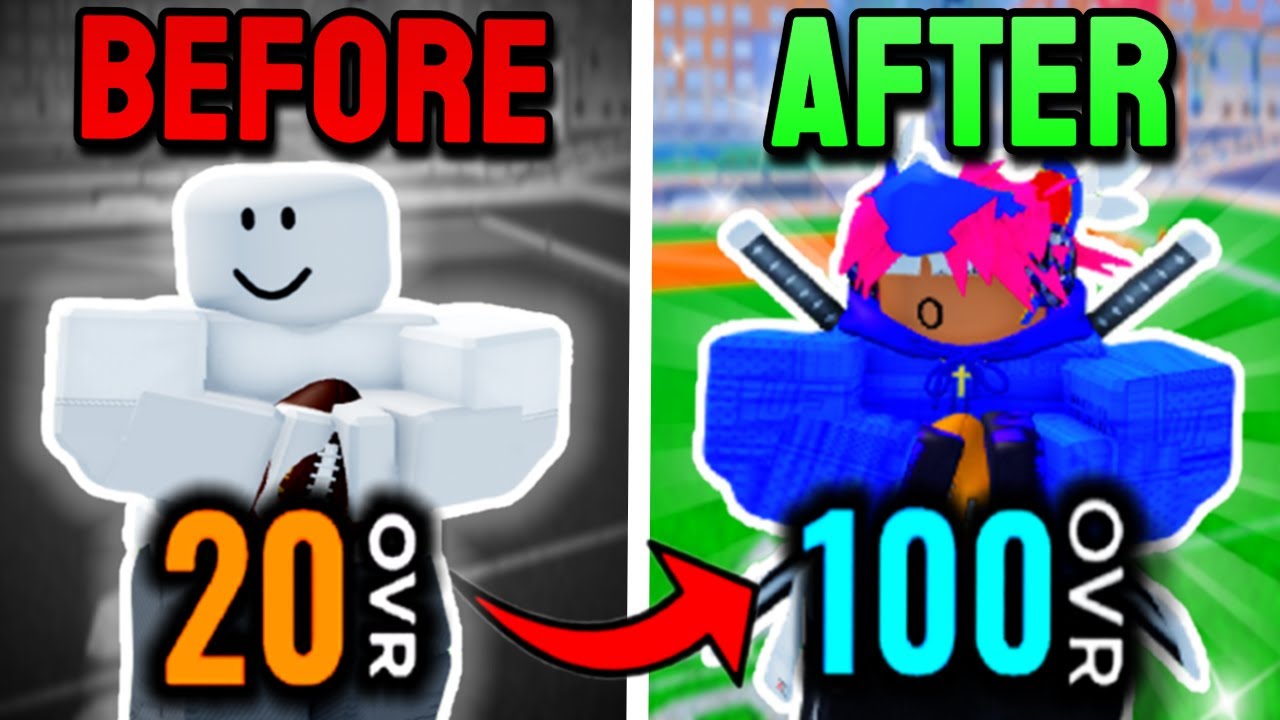
NFL Universe Football beginner guide starts with one rule: do not copy old Ultimate Football advice blindly. Use current official facts for the live update, then use gameplay videos for practical habits, settings and position basics. This page is the site path for a first session, not a dump of every source. Roblox API · 2026-09-16
Quick answer
New players should begin with setup, not codes or trading. Open Settings, confirm Controls, pick a role from Positions, then learn OVR, packs and trading only after you understand the match flow. Old Ultimate Football videos can still teach broad habits, but current UI and exact mechanics need current verification.
What to do first
- Open Settings before playing a full match.
- Learn the basic actions in Controls.
- Pick a starter role from Positions, then branch into Quarterback or Wide Receiver.
- Read OVR before grinding weekly goals, packs or coins.
- Treat Codes as a verification queue, not a guaranteed reward list.
Gameplay videos repeatedly point new players toward settings, practice, catches, QB habits, trading and packs. Those videos are useful, but older uploads may use Ultimate Football wording, so each claim needs a date and SourceTag. Seen in footage · 2026-09-16
First-session route
Your first session should answer five questions. Can you see the ball and routes clearly? Do you know the core movement and action inputs? Which role do you want to practice first? What does OVR mean for your progression? Are you reading reward or trading pages as caveated guides instead of guaranteed lists?
If you want the fastest safe path, follow this order: Settings, Controls, Positions, OVR, then Packs or Trading and RAP. That order keeps you from chasing rewards before you can play a basic match.
Source-backed beginner notes
| Topic | Label | How to use it |
|---|---|---|
| Settings first | creator-tested | Several mined videos point early to settings or setup. |
| Practice / QB Gauntlet references | creator-tested | Useful as a practice concept, but old UI details need checking. |
| Packs and coins | creator-tested | Mentioned in older beginner material, not proof of odds. |
| Current event context | verified | Use official Roblox description for the live update frame. |
| Old Ultimate Football UI | needs in-game check | Use only for evergreen ideas unless current proof confirms it. |
Mistakes and caveats
Do not start with a value list, do not assume every code video is current, and do not build around a single position before learning controls. If you want the broad game systems first, read Kickoff Event, Packs, and Teams and Stadiums.
Do not grind OVR without understanding weekly goals and role practice. Do not trade just because someone asks. Do not spend coins or chase packs based on old video comments. Do not assume a 2024 or older tutorial still matches the current Chapter 3 Season 1 interface.
Verification notes
Verified: the current official Roblox description anchors the site to NFL Universe Football, 2026 Kick Off, Chapter 3 Season 1, all 32 teams and all 32 stadiums.
Creator-tested: settings-first advice, practice references, packs/coins mentions and trading basics come from mined gameplay videos.
Needs in-game check: old UI paths, exact pack behavior, current code rewards and any legacy Ultimate Football mechanic that has not been rechecked.
Related next step
After this page, open Settings and Controls. If you already know your role, choose Quarterback or Wide Receiver. If you want rewards, read OVR, Packs, and Codes with the caveats in mind.
FAQ
Which page should a new player open first?
Open Settings, then Controls, then OVR. These three pages prevent most beginner confusion.
Are old Ultimate Football tutorials useless?
No, but they are legacy sources. Use them for broad habits, not for current UI or exact mechanics unless later verified.
Should beginners trade right away?
No. Read Trading and RAP first, because that page explains why examples are not a live value database.