NFL Universe Football Settings — What to Check First
NFL Universe Football settings guide for camera, graphics, QB options, controller notes and personal gameplay setup based on collected video sources.
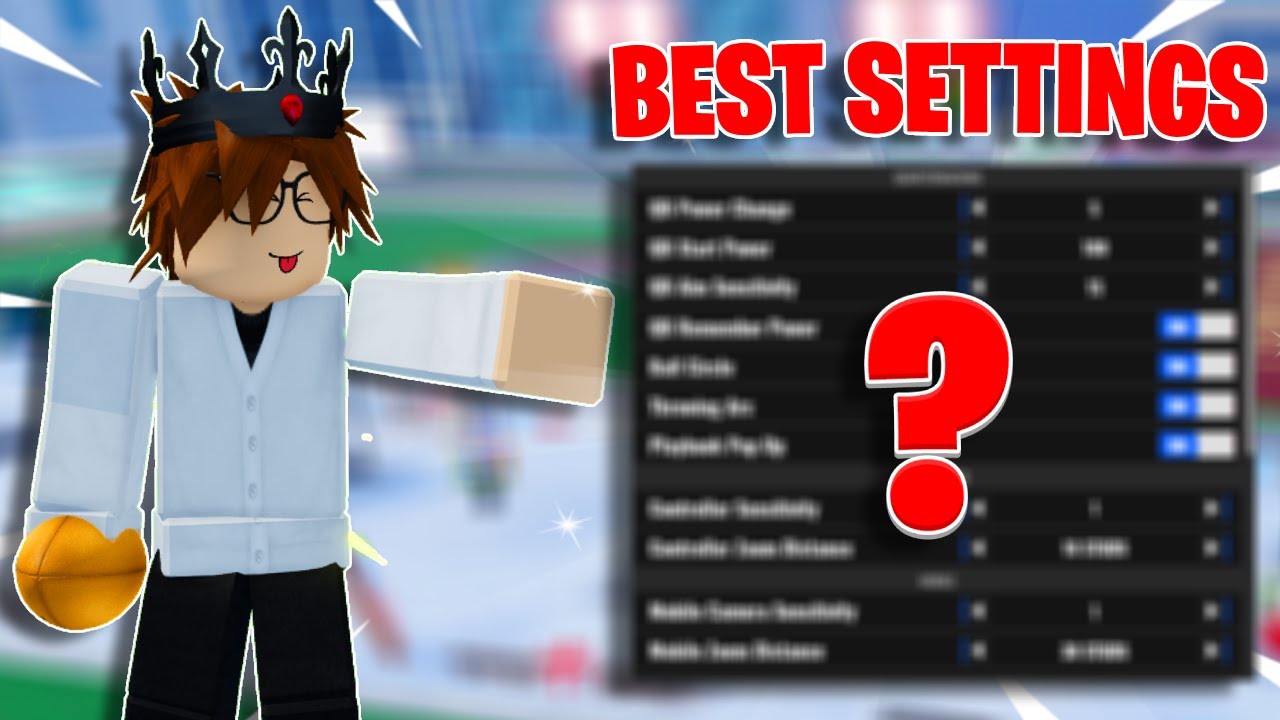
NFL Universe Football settings should be treated as a setup checklist, not a single perfect preset. Creator videos repeatedly show players checking Roblox settings, UF gameplay settings, QB settings, controller settings and graphics settings. This page turns those sections into a practical first-session setup flow. Seen in footage · 2026-09-16
Quick answer
Check settings before grinding OVR or copying position advice. Start with visibility and camera comfort, then QB-specific settings, controller options, ball camera behavior, graphics, and trade prompt preferences. The collected footage supports these categories, but not one universal "best settings" preset.
What to do first
- Set camera and graphics so you can see routes, defenders and the ball clearly.
- If you play QB, review QB settings before using the Quarterback guide.
- If you use controller, test input comfort with Controls.
- Turn off distractions you do not want, such as trade prompts, before focusing on practice.
- Change one setting at a time and test it in a match or practice context.
Settings to review
| Setting area | Why it matters | Page to read next |
|---|---|---|
| Camera and graphics | Visibility and reaction timing | Controls |
| QB aim and power behavior | Passing comfort and consistency | Quarterback |
| Ball camera | Passing, receiving and kicking contexts | Controls |
| Controller settings | Device-specific comfort | Controls |
| Trading prompts | Reduces spam if you do not want offers | Trading and RAP |
Role-based setup
One creator can recommend a setting because it fits their camera, mouse, controller, or role. A quarterback setup may not help a wide receiver, and a controller setup may not help PC players. Use this page with Positions, Wide Receiver, and OVR.
Quarterbacks should care most about camera stability, QB aim behavior, and whether throws feel consistent. Wide receivers should care about visibility, catch timing comfort, and whether the ball camera helps or distracts. Beginners should favor readable graphics and simple controls before chasing advanced habits. Traders may want to reduce prompt noise if trade requests distract from matches.
Mistakes and caveats
- Do not copy a full creator preset without testing why each setting exists.
- Do not change camera, graphics and controls all at once.
- Do not assume old Ultimate Football UI wording still matches the current NFL Universe Football UI.
- Do not treat settings as a substitute for route, throw or catch practice.
Verification notes
Verified: mined videos discuss settings as a recurring improvement topic.
Creator-tested: Roblox settings, gameplay settings, QB settings, controller settings, graphics settings and trade prompt preferences appear in creator walkthroughs.
Needs in-game check: exact current setting names, exact menu location, and any single "best settings" preset.
Related next step
After settings, go to Controls. If you know your role, jump to Quarterback or Wide Receiver. If you are still choosing, read Beginner Guide and Positions.
FAQ
What is the best NFL Universe Football setting?
The collected sources do not prove one universal best setting. They show categories to test.
Should I change settings before playing QB?
Yes. QB-specific settings come up repeatedly in gameplay videos, but you should test them in practice before a serious match.
Are controller settings included?
Yes, but they are caveated. Use Controls for the controller checklist.